Finance Decoder Resources
1. Get the Finance Decoder
Open the Finance Decoder and create a copy to get started:
Make Your Copy
Strong Towns Finance Decoder 1.0.2 - US
Learn more
Make Your Copy
Strong Towns Finance Decoder 1.0.2 - Canada
Learn more

2. Use the Worksheet
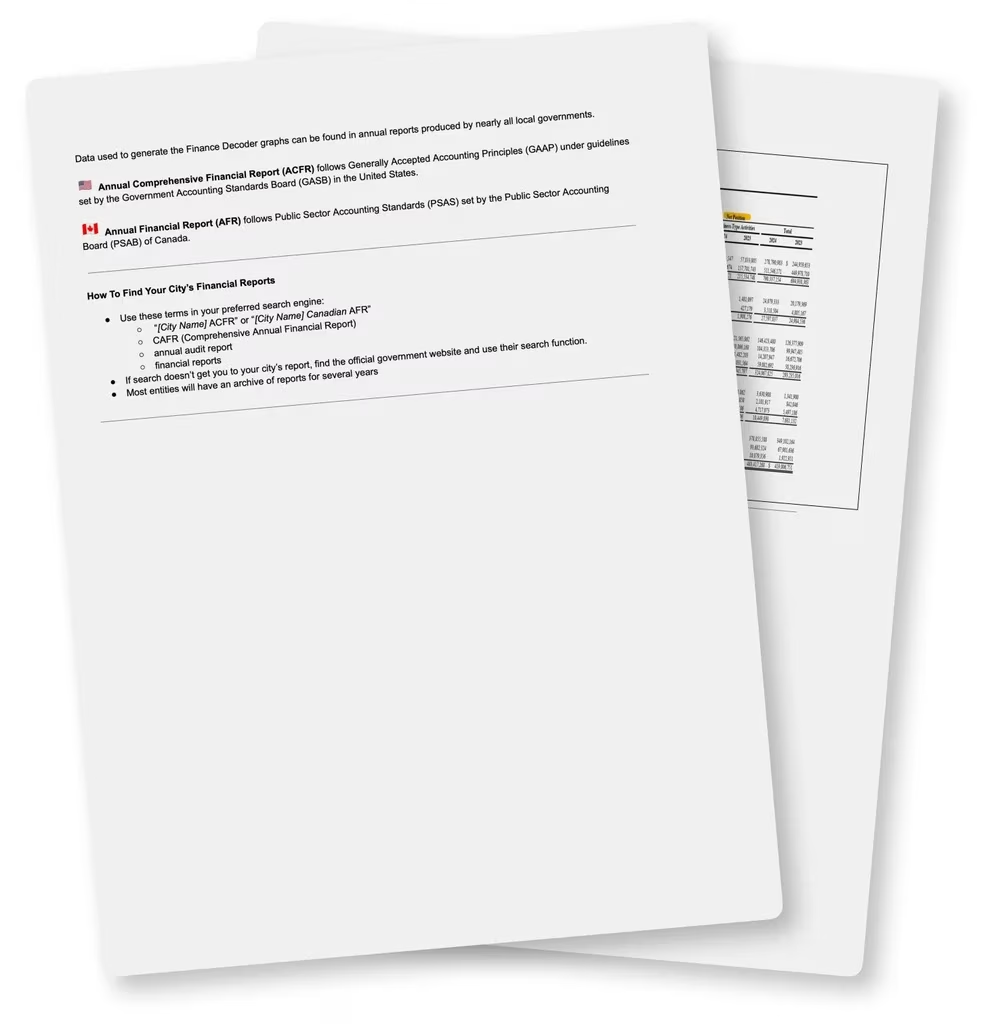
Input your city’s financial numbers into the Finance Decoder Worksheet. Check out these instructions to learn what numbers to look for and where to place them.
Get the instructions document
Learn more
Video Tutorials
Watch the video tutorials to learn how to use the Finance Decoder
Learn more
3. Share Your Results
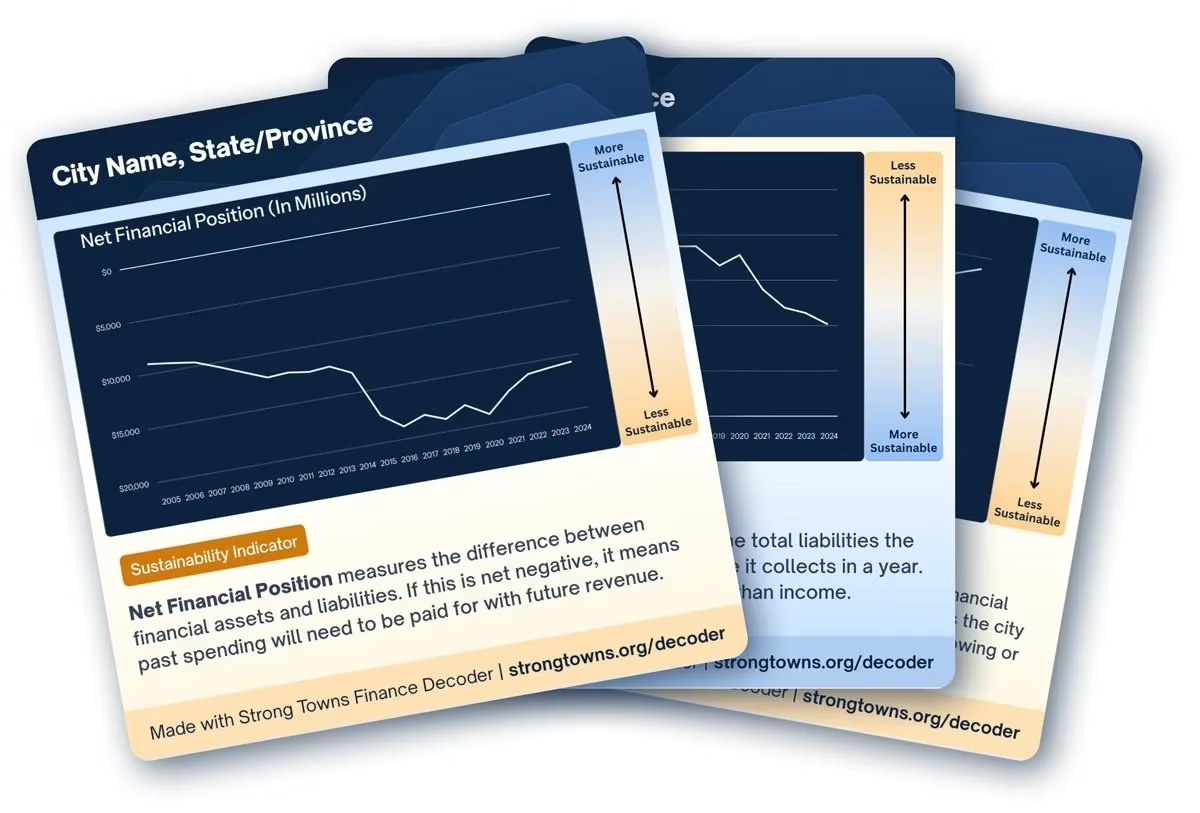
Turn your graphs into shareable graphics by uploading and dropping them into the Canva template.
Use the Canva Template
Learn more
Change Log
Stay updated with the latest updates, fixes, and improvements to the Finance Decoder
The most recent version of the Finance Decoder Worksheet is available above.
Version 1.0.2 — 2026-01-29
Minor tweaks and updates
- Fixed:
- N/A
- Updated:
- US & Canada worksheets have been updated to add 2025 to data input columns and graphs.
- Improved:
- N/A
Version 1.0.1 — 2025-04-07
Minor tweaks and updates
- Fixed:
- Net Debt-to-Total Revenues graph: Flipped the order in which the years were displayed to increase from left to right (Eg. 2009, 2010, 2011…)
- Updated:
- Swapped color coding on Government Transfers-to-Total Revenues Key to associate “Less Vulnerable” with blue and “More Vulnerable” with yellow
- Improved:
- N/A
Version 1.0.0 — 2025-04-04
Initial public release
- Launched core Finance Decoder tool
- Introduced core features for financial data interpretation
- Implemented versioning system